
Digital Receptionist to CCaaS
Routes calls from a 3CX Digital Receptionist menu option directly to a CCaaS-registered extension.
A 3CX Digital Receptionist (IVR) menu option can transfer a call directly to the 3CX Virtual Handset extension registered to CCaaS, so calls answered by the automated receptionist reach a Contact Center skill.
Creating the Digital Receptionist
The Digital Receptionist is created and configured entirely within the 3CX portal.
-
In the 3CX portal, navigate to
Digital Receptionistsand select+ Add -
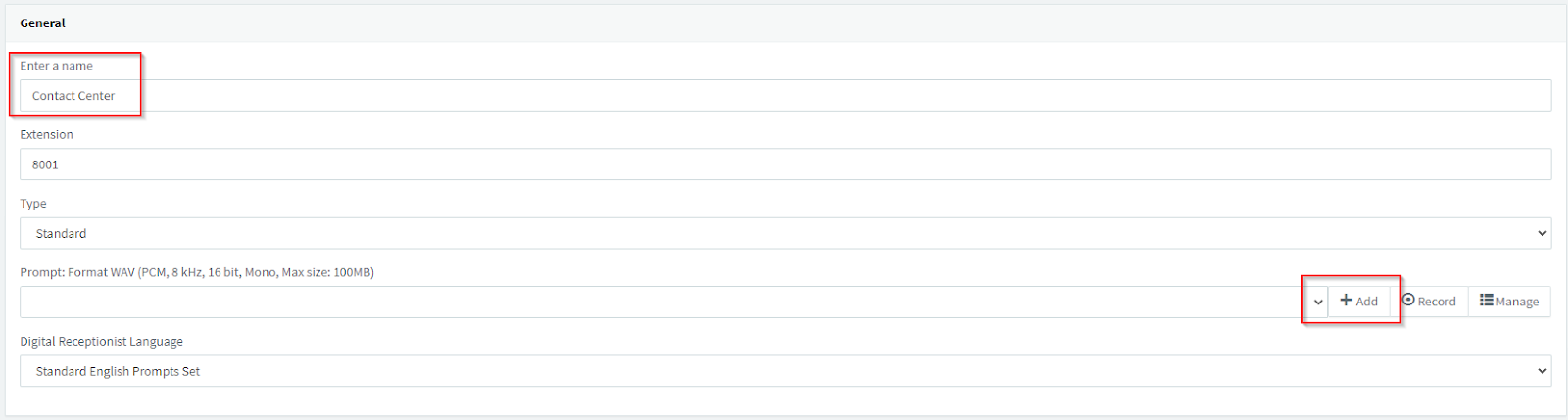
Enter a name; the extension number is filled automatically with the next number in sequence, but can be changed
-
Select
Add -
Add a pre-recorded announcement, or record a new one
Connecting a Menu Option to CCaaS
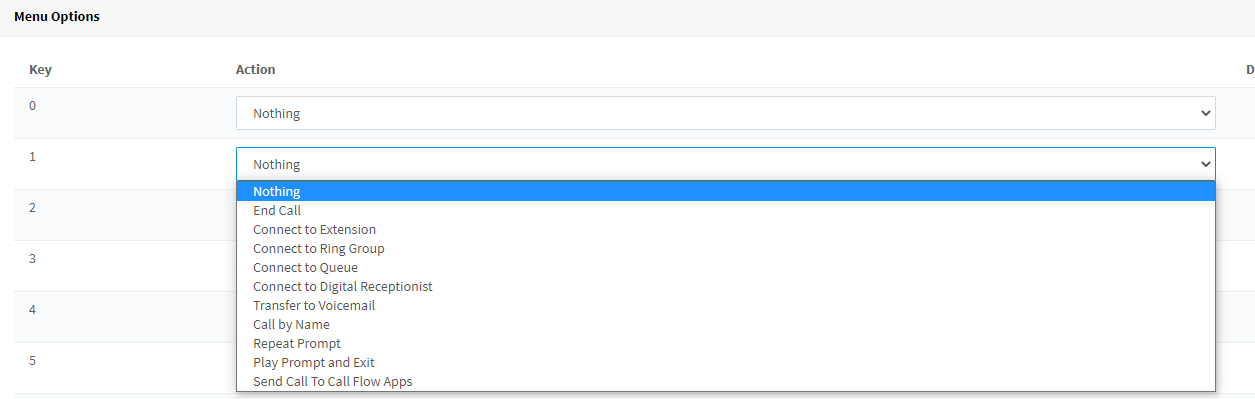
Under Menu Options, several digit actions are available depending on what the Digital Receptionist should accomplish.
-
Select
Connect to Extensionfor the digit action that should reach CCaaS -
Select the 3CX Virtual Handset extension registered to CCaaS

Other digit actions on the same Digital Receptionist are configured independently, according to the environment.
SIP Extensions Must Be Configured FirstThe extension selected must already be registered to CCaaS — see SIP Extensions.
Assigning a DID (Optional)
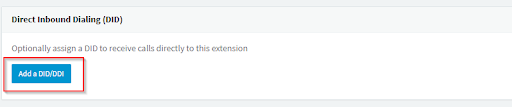
A DID can be assigned to the Digital Receptionist so it can be called directly.
- At the bottom of the Digital Receptionist's page, select an available DID from the drop-down menu
Updated 3 months ago