
Importing/Exporting Reports
How to share custom reports between CCaaS instances by exporting and importing report files.
Reports are saved internally as XRA files, which can be exported to share a custom report with another CCaaS instance or user, or imported to add a shared report to My Reports.
Exporting a Report
- Select the
...menu in the top right corner of My Reports - Select
Export Reports - Select the report(s) to export from the list, then select
Export - Choose a save location for the file
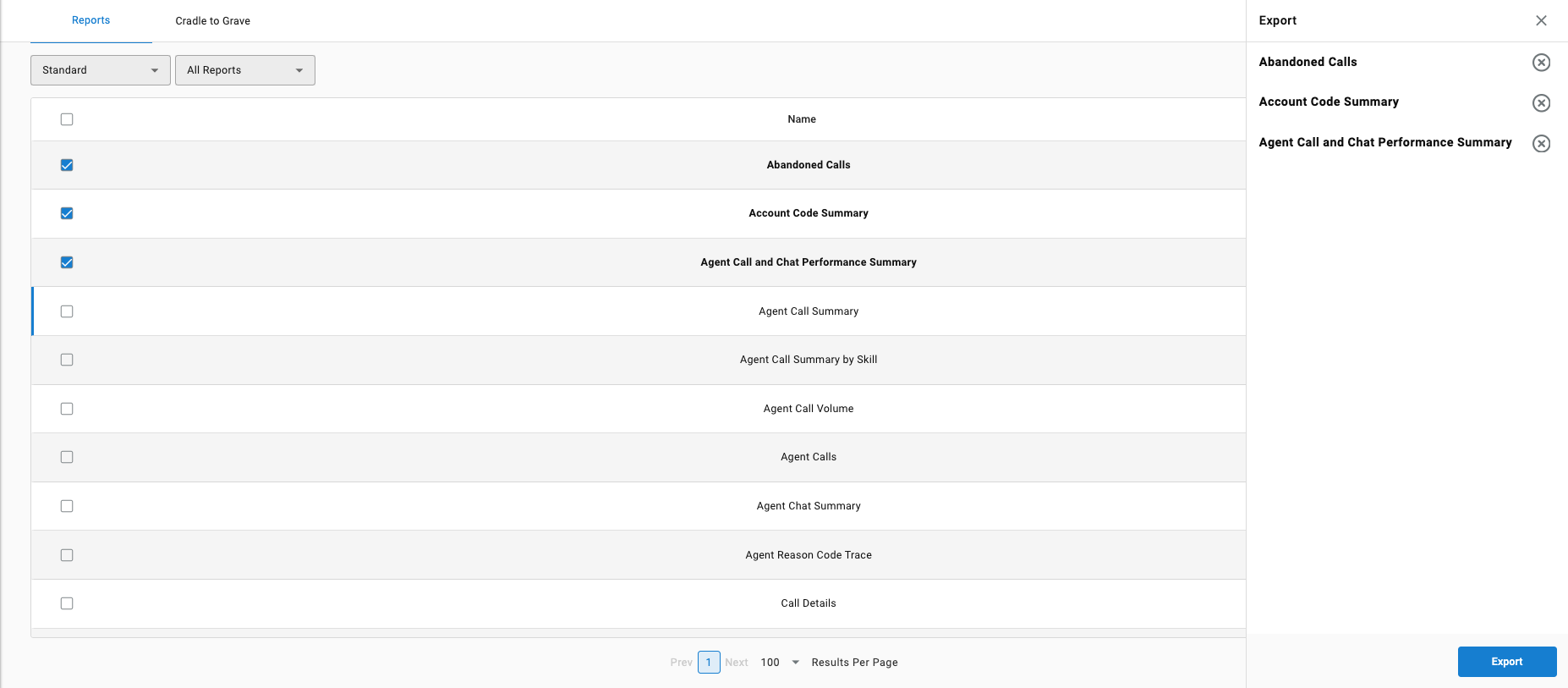
The exported file can then be sent to another user, who imports it into their own instance.
Importing a Report
- Select the
...menu in the top right corner of My Reports - Select
Import Reports - Locate and select the saved report file, then select
Open
Updated 3 months ago