
Busy Codes
Busy Codes define standardized reason codes that agents use when transitioning into unavailable or non-ready states.
These codes provide visibility into why an agent is unavailable — such as breaks, meetings, training, or system issues. Busy Codes appear in real-time monitoring and historical reporting to support staffing analysis, adherence tracking, and operational transparency.
Accessing Busy Codes
Busy Codes are accessible to accounts with Supervisor or Admin permissions.
- Navigate to
User Management > Busy Codes - All UC and CC agents are listed on the left; all configured busy codes are listed on the right
Assigning Busy Codes to Agents
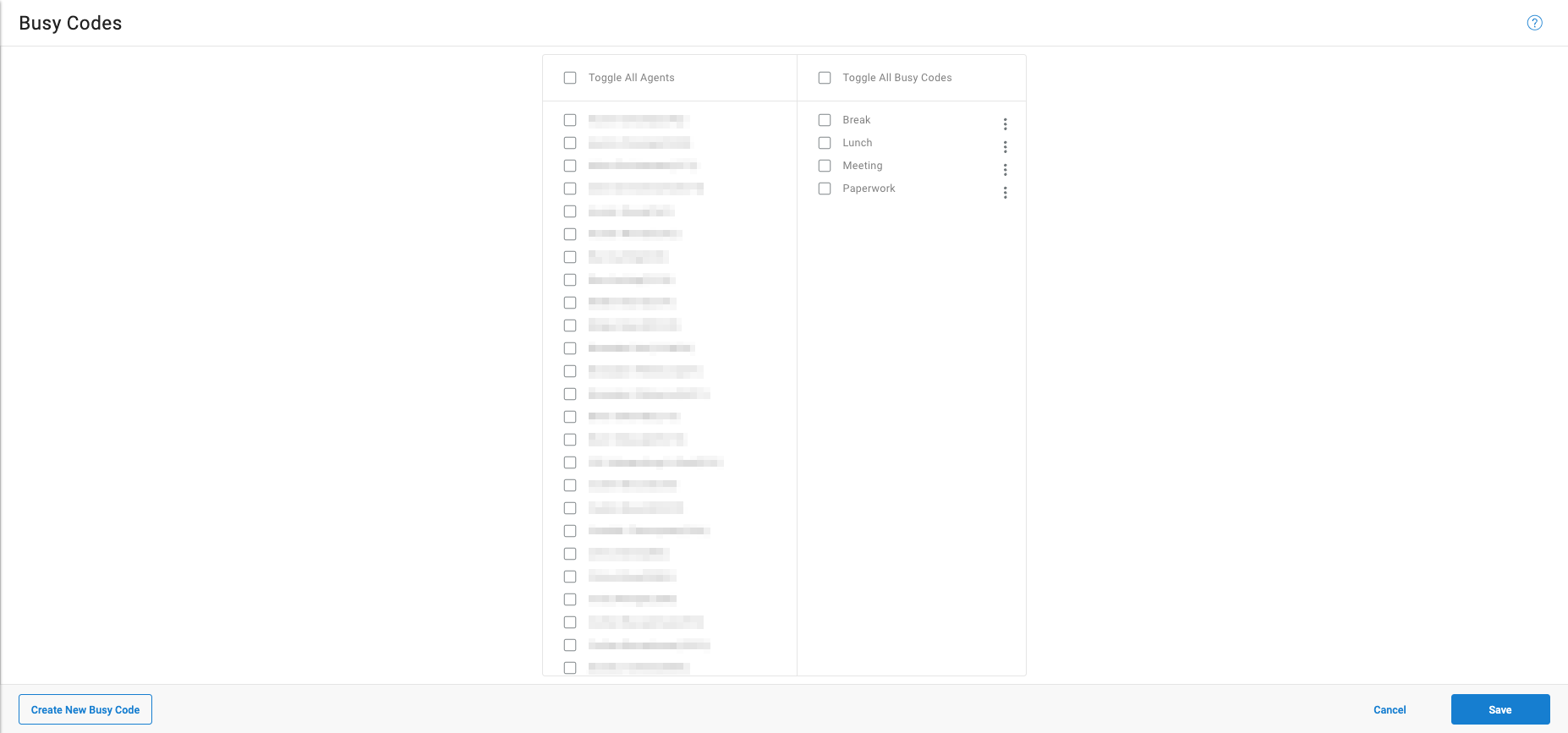
All UC and CC agents are listed on the left side of the page; busy codes are listed on the right. One or more codes can be assigned to a single agent individually, or to multiple agents simultaneously.
Click Save to apply all changes.
Creating a Busy Codes
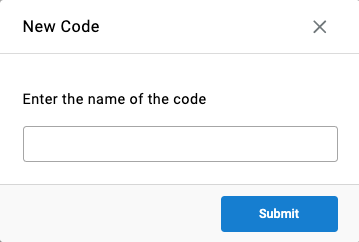
- Click
Create New Busy Code - Enter a name for the code
- Click
Submit
Updated 3 months ago