
Loops
Loops allow multiple realtime wallboards to be grouped together and automatically rotated on a timed schedule.
A single display can cycle through different views, metrics, teams, or departments without manual intervention. Loops are ideal for control rooms, operations floors, or wall-mounted displays where screen space is limited but multiple data views are needed throughout the day.
Accessing Loops
Loops are accessible to accounts with Supervisor or Admin permissions.
- Navigate to
Realtime Displays > Loops - All configured loops are listed on this page
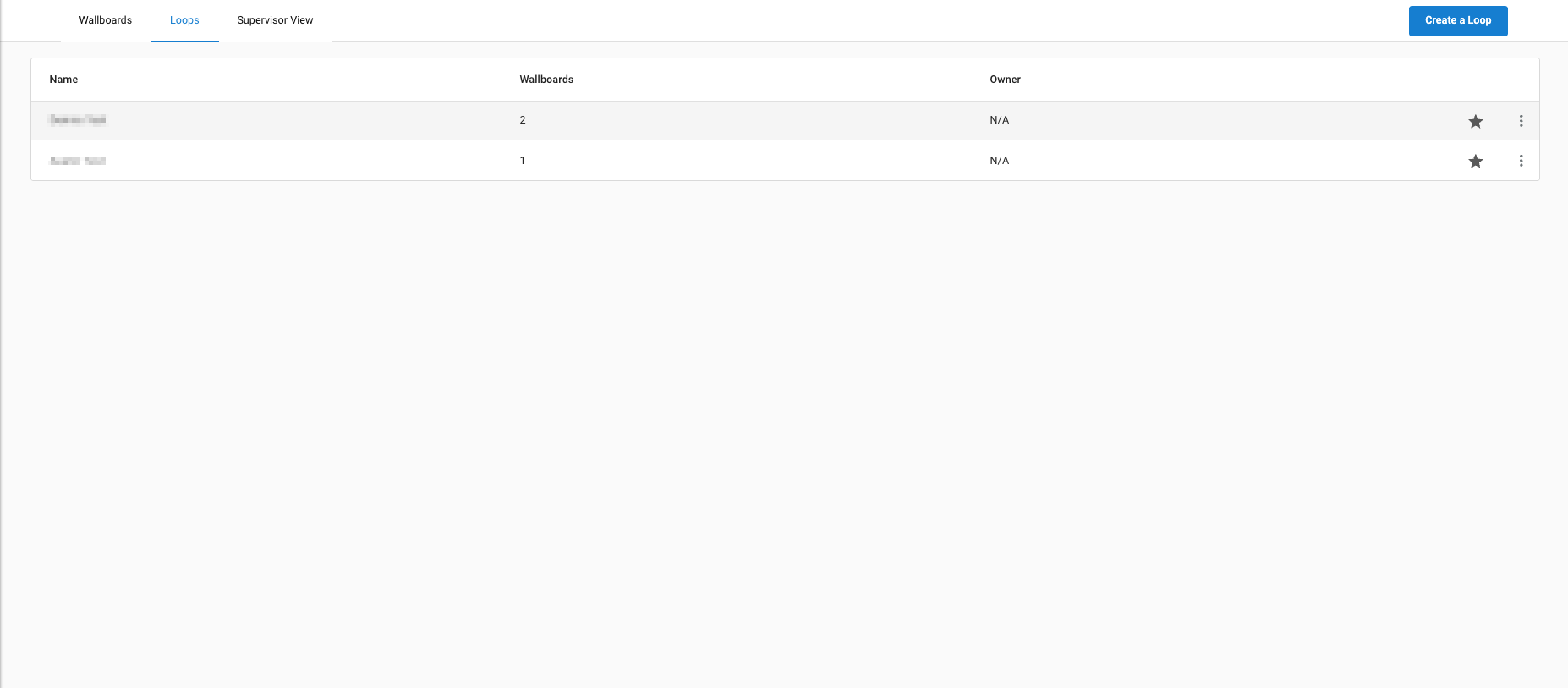
Creating a Loop

- Click
Create a Loop - Enter a title for the loop
- Click
Add New Wallboard to Loopto add one or more wallboards- From the first dropdown, select a wallboard
- From the second dropdown, select a display duration:
30 Secondsor1 Minute - Wallboard order can be rearranged by dragging rows to the desired position
- Click
Applyto save
Managing Loops

Click the ellipsis on a loop to open its options:
Edit— opens the loop configurationDelete— deletes the loopOpen— opens the loop as a displayGenerate External Link View— generates a shareable URL for the loop
Updated 4 months ago