
Reports — Row Filters
Optionally narrows which rows appear in a record-level report during the Define Row Filter step in Create Report.
The Define Row Filter step appears after selecting a record-level row type — Audit Event, Call, Call Event, or Feature — in Create Report, and narrows which individual records are included in the report.
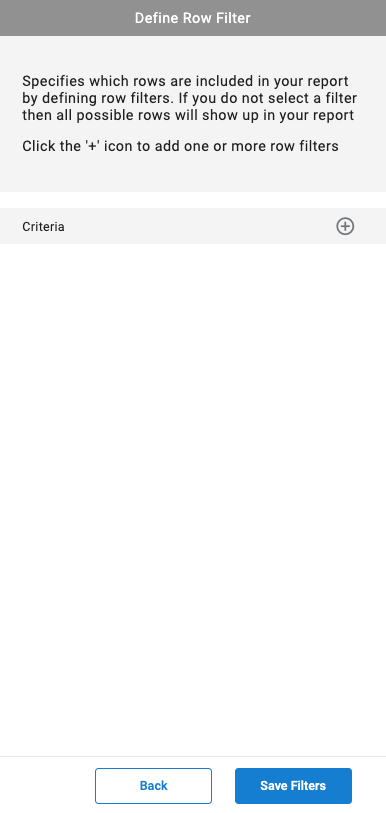
Adding a Row Filter
By default, no row filter is applied, and every possible row for the selected row type is included in the report.
- Select the
+icon next toCriteria - Search for and select the desired filter criteria
- Configure the criteria's associated fields
- Repeat to add additional row filters
- Select
Save Filters
Updated 3 months ago