
User Accounts
User Accounts define individual users and their level of access within the CCaaS platform.
User Accounts control who can log in to the CCaaS administrative interface and what they can see or configure. Access to features and data is governed by the access level assigned to each account.
Accessing User Accounts
User Accounts are accessible to accounts with Supervisor or Admin permissions.
- Navigate to
User Management > User Accounts - All created user accounts are listed on this page
Adding a User Account
-
Click
Add Account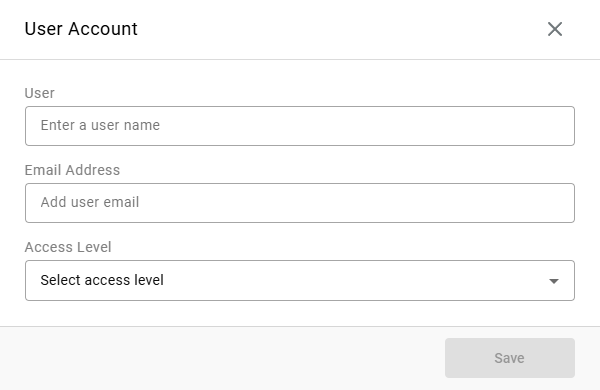
-
Enter the account information:
Field Description User The username for the account Email Address The email address for the account Access Level Controls the level of access within CCaaS: -
Administrator— full access to all configurations, system settings, integrations, and administrative controls -
Manager— full access to call data and reporting; cannot modify system configurations or administrative settings -
User— access to call data, reports, and real-time views based on permissions explicitly granted by an Administrator or Manager
-
-
Click
Save
User Account Options
Click the ellipsis on a user account to open its options:
Edit— edit the account'sUser,Email Address, andAccess LevelDelete— prompts a confirmation before deleting the accountReset Password— sends an email to the account with a link to reset the password
Updated 7 days ago