
Account Codes
Account Codes are used to categorize and track calls for reporting, billing, or operational analysis purposes.
Codes can be applied to calls manually by agents or automatically depending on system configuration. Common use cases include cost allocation, departmental tracking, and compliance-driven reporting requirements.
Accessing Account Codes
Account Codes are accessible to accounts with Supervisor or Admin permissions.
- Navigate to
User Management > Account Codes - All UC and CC agents are listed on the left; all configured account codes are listed on the right
Assigning Account Codes to Agents
All UC and CC agents are listed on the left side of the page; account codes are listed on the right. One or more codes can be assigned to a single agent individually, or to multiple agents simultaneously.
Click Save to apply all changes.
Freeform Account Codes
Allow Freeform Account Codes can be toggled to allow agents to enter a custom account code not present in the list when assigning codes in CC-Agent Client.
Creating Account Codes
Account codes can be created individually or uploaded in bulk.
Creating a Single Code
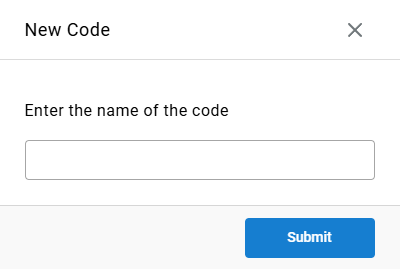
- Click
Create New Account Code - Enter a name for the code
- Click
Submit
Bulk Upload
A plain text file (.txt) is required for bulk upload. Each line in the file represents one account code name. This file is typically exported from another site or phone system.
- Click
Bulk Upload - Select the
.txtfile and clickOpen
Updated 3 months ago