
Single Sign-On
Single Sign-On (SSO) allows agents and administrators to authenticate into CCaaS using existing Microsoft or Google organizational credentials, eliminating the need for a separate CCaaS password.
SSO integration connects CCaaS to a Microsoft or Google identity provider. Once configured, CCaaS verifies that the email address entered at login matches a user in both CCaaS and the connected platform, and signs the user in using their known organizational credentials.
Email Address Must Match Between CCaaS and SSO ProviderThe email address configured in CCaaS must exactly match the email address registered with the connected SSO provider. If these addresses differ, authentication fails and the user is unable to log in. Ensure consistency across both platforms when creating or updating users.
Accessing Single Sign-On
Single Sign-On is accessible to accounts with Supervisor or Admin permissions.
- Navigate to
Admin (System) > Single Sign-On - Single Sign-On can be viewed and managed from this page
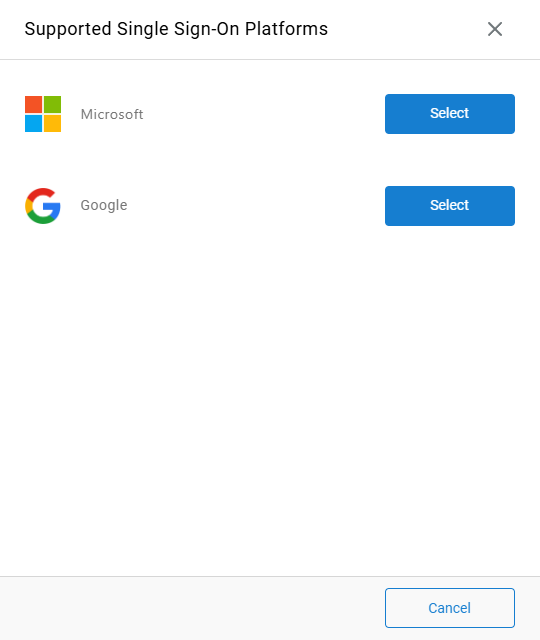
Configuring SSO
- Select the platform to connect —
MicrosoftorGoogle - Complete authentication using the selected provider's login flow
- When prompted, select
Consent on behalf of your organizationand selectAcceptto authorize CCaaS to pull relevant user data from the platform - Check the connected email account for an authorization confirmation email if prompted
- Once complete, the connected platform appears in the
Single Sign-Onmenu as active
Users whose email addresses match the authenticated domain can now sign into CCaaS using their Microsoft or Google credentials.
Updated 3 months ago