
Managing Tags
How reports are organized and filtered using tags on My Reports.
Tags organize and filter reports within My Reports. The Manage Tags option in the ... menu creates and edits the tags available, and the All Tags filter above the reports list narrows the list to a selected tag.
Opening Manage Tags
- From My Reports, select the
...menu in the top right corner of the page - Select
Manage Tags
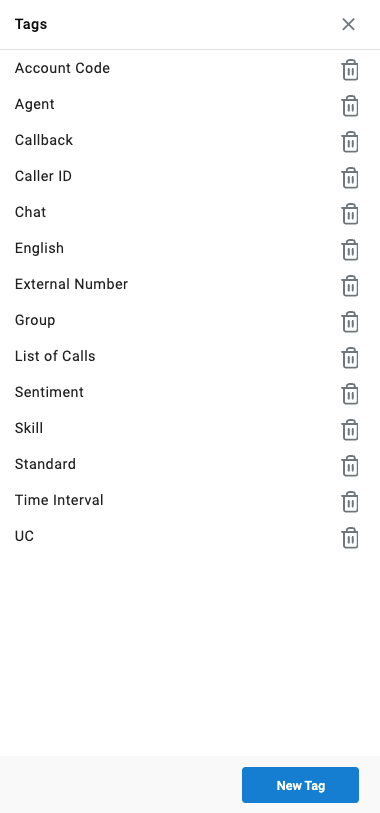
The Manage Tags window lists the tags currently in use and provides the ability to create new tags, rename existing ones, or remove tags that are no longer needed.
Applying a Tag to a Report
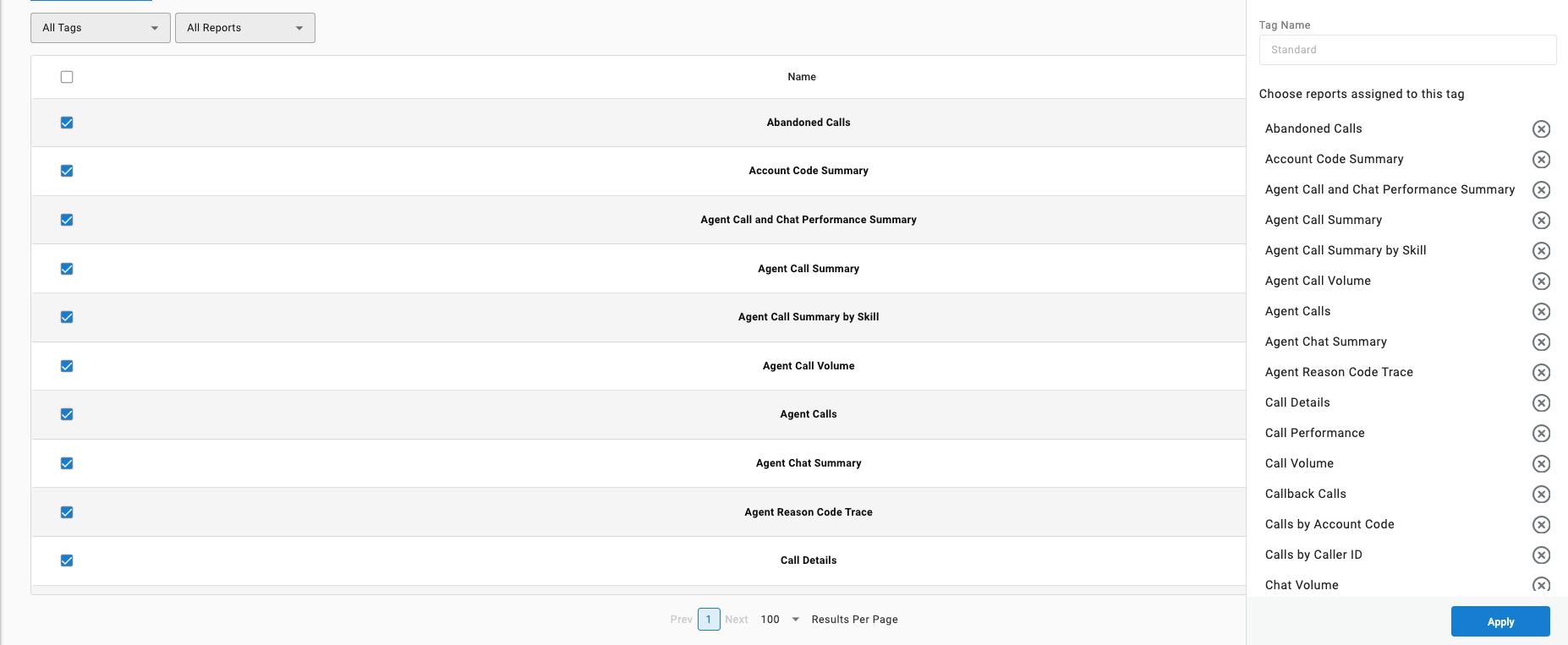
- In the Manage Tags window, locate the tag
- Select the report(s) the tag should apply to
Once applied, a report can be found by selecting its tag from the All Tags filter on the reports list.
Updated 3 months ago