
UC Licensing — Export the Information
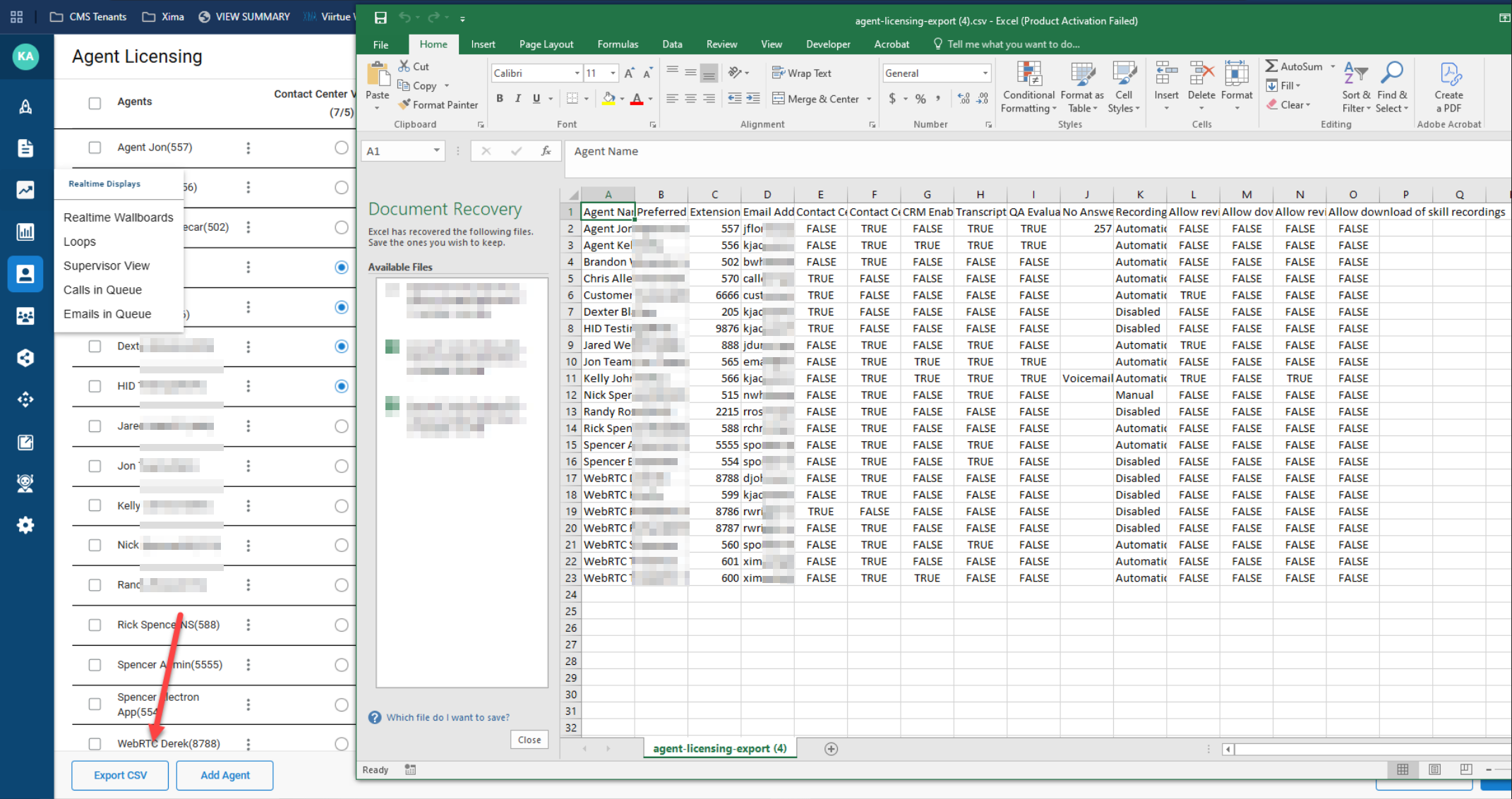
UC Phone Licensing data can be exported as a CSV to audit the licenses and settings assigned to UC agents.
UC Phone Licensing data can be exported to a CSV file, providing a quick way to review which licenses and settings — such as recording options — are assigned to UC agents.
Exporting to CSV
- Navigate to
User Management > UC Phone Licensing
- In the bottom-left corner, select
Export CSV

- A CSV downloads containing all UC users, along with the licensing and options — such as recording — assigned to each
Updated 7 days ago