
Canned Messages for Outbound SMS
In order to used Canned Messages for fresh outbound SMS messages, follow the steps in this guide.
Outbound messages are credited to an "SMS" skillAt this time, all outbound messages (not replies to inbound inquiries) are assigned to a skill named "SMS". You do not see this skill in your skill list by default.
Configure a "SMS" Skill
To be clear, any skill can take SMS messages if your site and agents are properly licensed. The purpose of this skill will be for reporting and functionality for outbound messages.
-
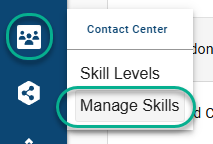
Select Contact Center > Manage Skills:
-
Ensure "SMS" is not already a configured skill
-
Select "+" to add a new skill
-
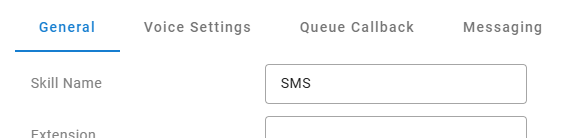
Name the skill exactly SMS
-
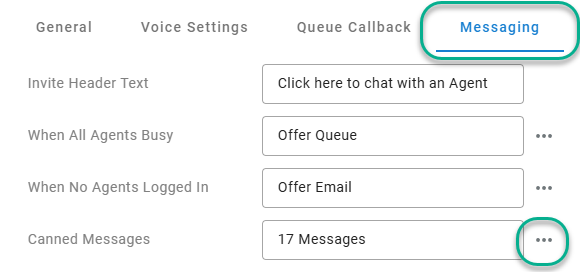
Before saving and exiting, select the "Messaging" tab and then the "..." edit option for Canned Messages
-
Add all the canned messages you would like to be available for agent selection for new outbound SMS messages.
-
Save your changes
To learn more about canned messages and how to configure them, review this article below
Updated about 1 month ago