
Export Licensing Page
Available with 5_64+
The information on the UC Phone Licensing and Agent Licensing pages can now be exported via CSV. This can be used to quickly audit the licenses and settings that have been assigned to your team.
Accessing the CSV Export
-
Log in to Xima CCaaS with an Administrator account
-
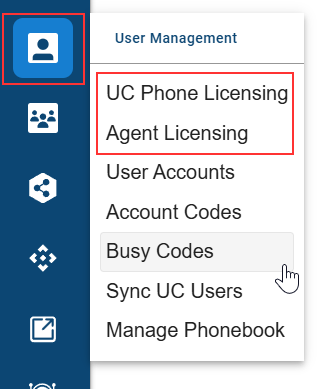
Open either the UC Phone Licensing or Agent Licensing menu
-
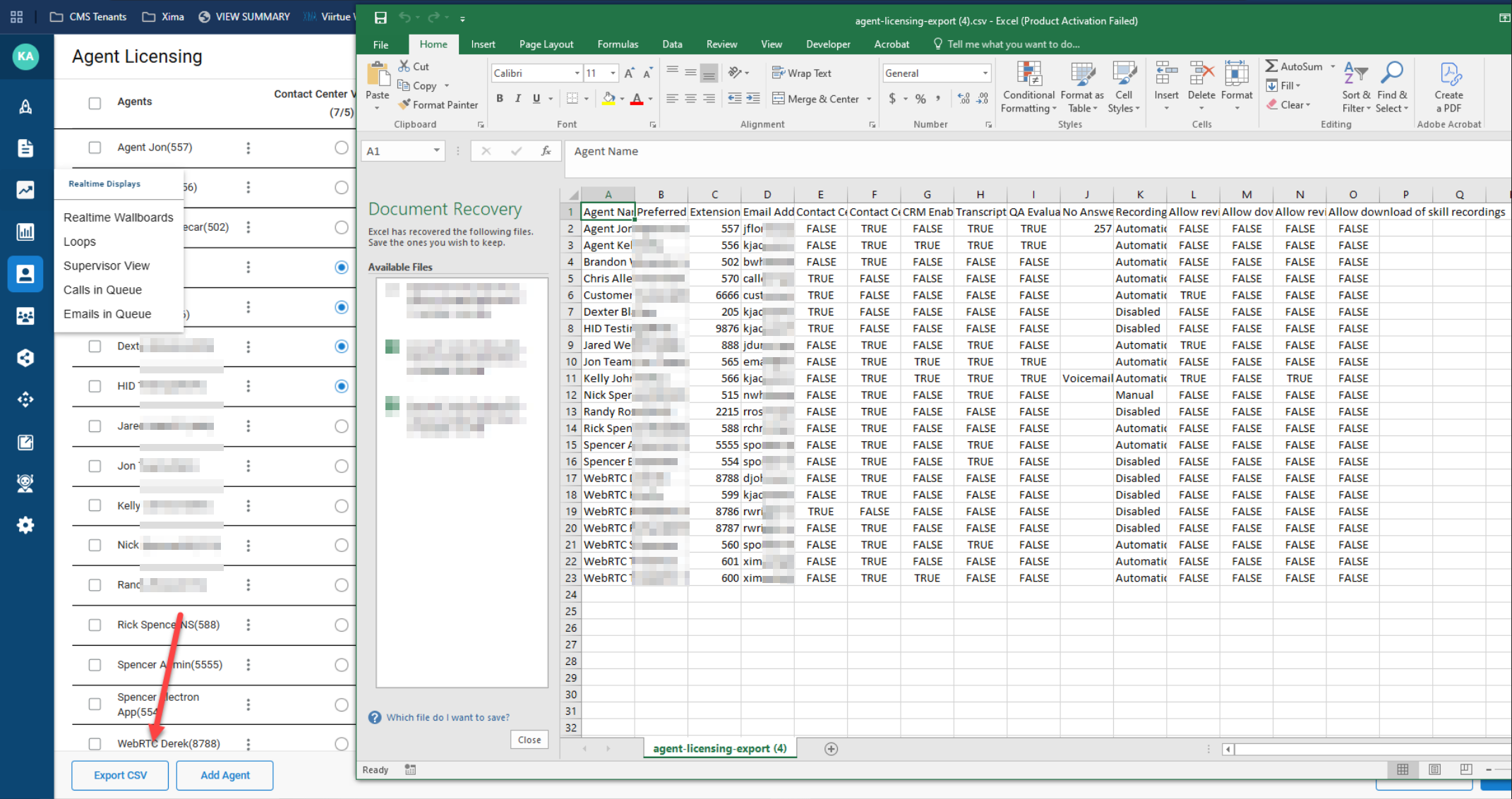
In the bottom left corner, select the Export CSV option

-
This will download a copy of your Users or Agents, along with their licensing and what options, such as recording, that they have assigned to them
Data PrivacyThis CSV will include User/Agent names and email addresses. Please be careful that this is only shared with appropriate parties and securely deleted after use.
Updated 17 days ago