Using the Auto-Attendant
Transfers calls from an RC/ACO Auto Attendant IVR menu directly to a CCaaS-registered extension via a key press.
License RequirementMulti-Level Auto Attendants require a RingCentral Standard license package or higher. Handset registration to CCaaS works on any license tier from Essential to Ultimate.
-
Navigate to
Phone System > Auto-Receptionist > IVR Menus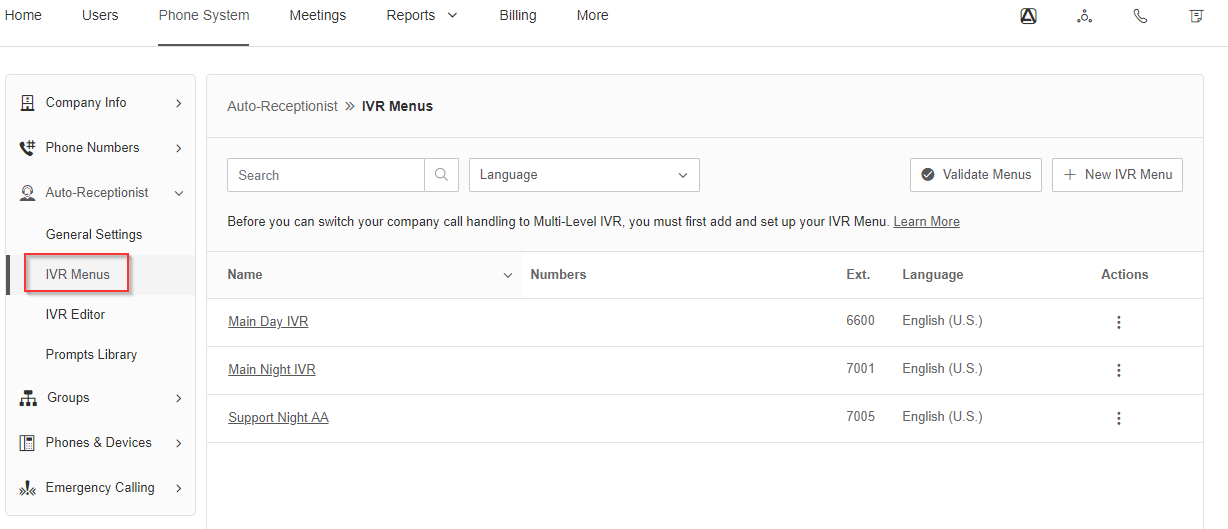
-
Select
New IVR Menu, assign an extension and name, and selectSave -
Optionally assign a DID to the menu for direct dialing
-
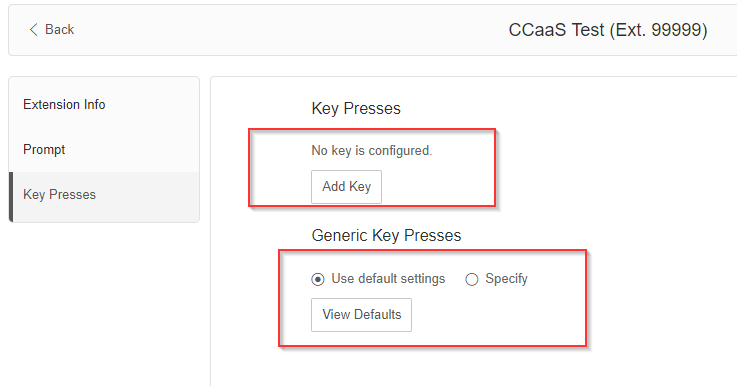
Configure prompts (text-to-speech or a pre-recorded message) and key press actions
-
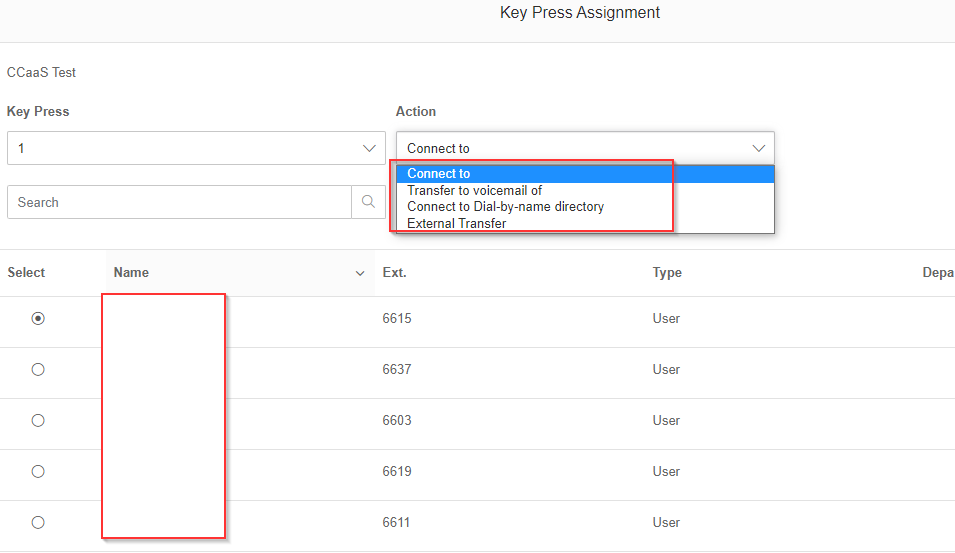
Assign a key press (0–9) with
Connect toset to the CCaaS-registered extension